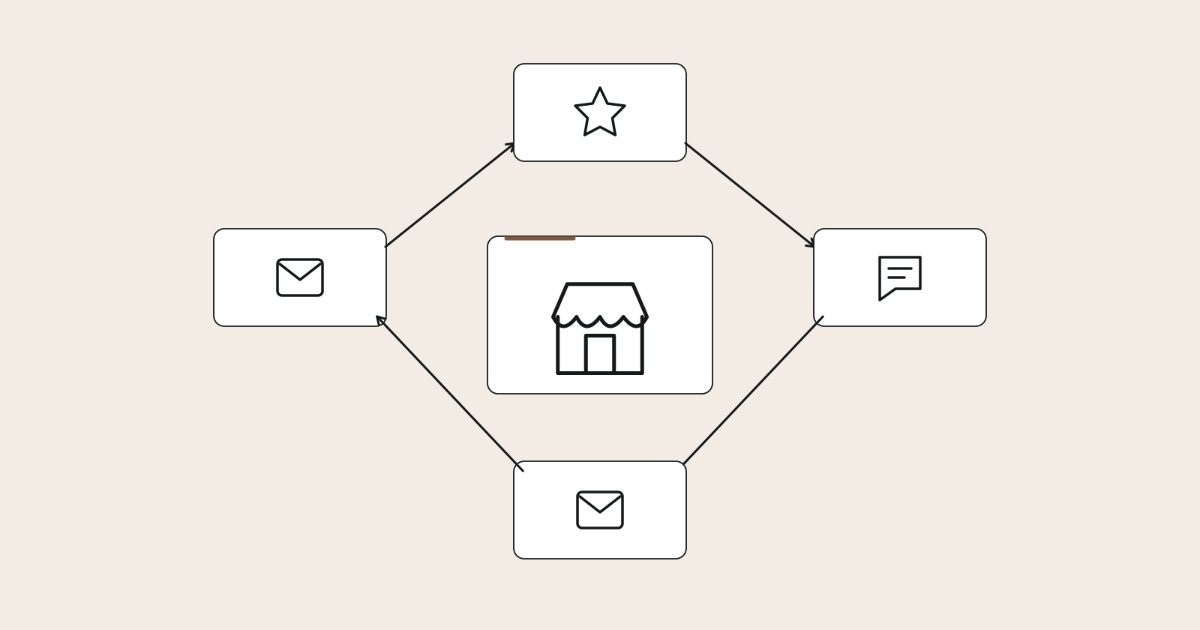
Local businesses with a steady flow of reviews don’t have a secret: they ask every customer at the same moment with a direct link, and they reply to every review within a few days. That simple process stays inside Google’s rules and keeps your reviews recent.
Reviews affect two things at once: how prominent Google considers your business and whether people choose you once they find you.
Below I set out the process I recommend, step by step: the rules, when and how to ask, message templates, how to reply to good and bad reviews, and how to measure whether it’s working.
Key takeaways
- Ask every customer, not just the happy ones. Selective asking and incentives both break Google’s policies.
- Pick one trigger moment for your business, such as job completion or collection, and ask then, every time.
- Use the review link or QR code from your Business Profile, and keep the request short and personal.
- Reply to every review within a week, personally, and take complaints offline.
- Track requests sent, reviews received, rating trend and reply time each month.
Why reviews matter for rankings and for sales
Reviews do two jobs, and both are worth the effort. Google says that prominence is one of the main factors in local ranking, and that more reviews and positive ratings can help a business’s local ranking.
They also shape the decision once someone finds you. BrightLocal’s Local Consumer Review Survey 2026, based on 1,002 US consumers, found that 97% read online reviews of local businesses and 74% look for reviews written in the last three months.
The same survey found that 89% of consumers expect business owners to respond to reviews. So the process has two halves, asking and replying, and both need an owner.
Reviews are part of how I approach local SEO for small businesses, but they’re just as much a conversion asset. A profile with recent reviews and thoughtful replies turns more searchers into calls, which is why I treat them as part of conversion rate optimisation too.
The rules: what Google and consumer law allow
Before you design the process, know where the lines are. Breaking them can cost you reviews you’ve already earned.
Google’s review policies
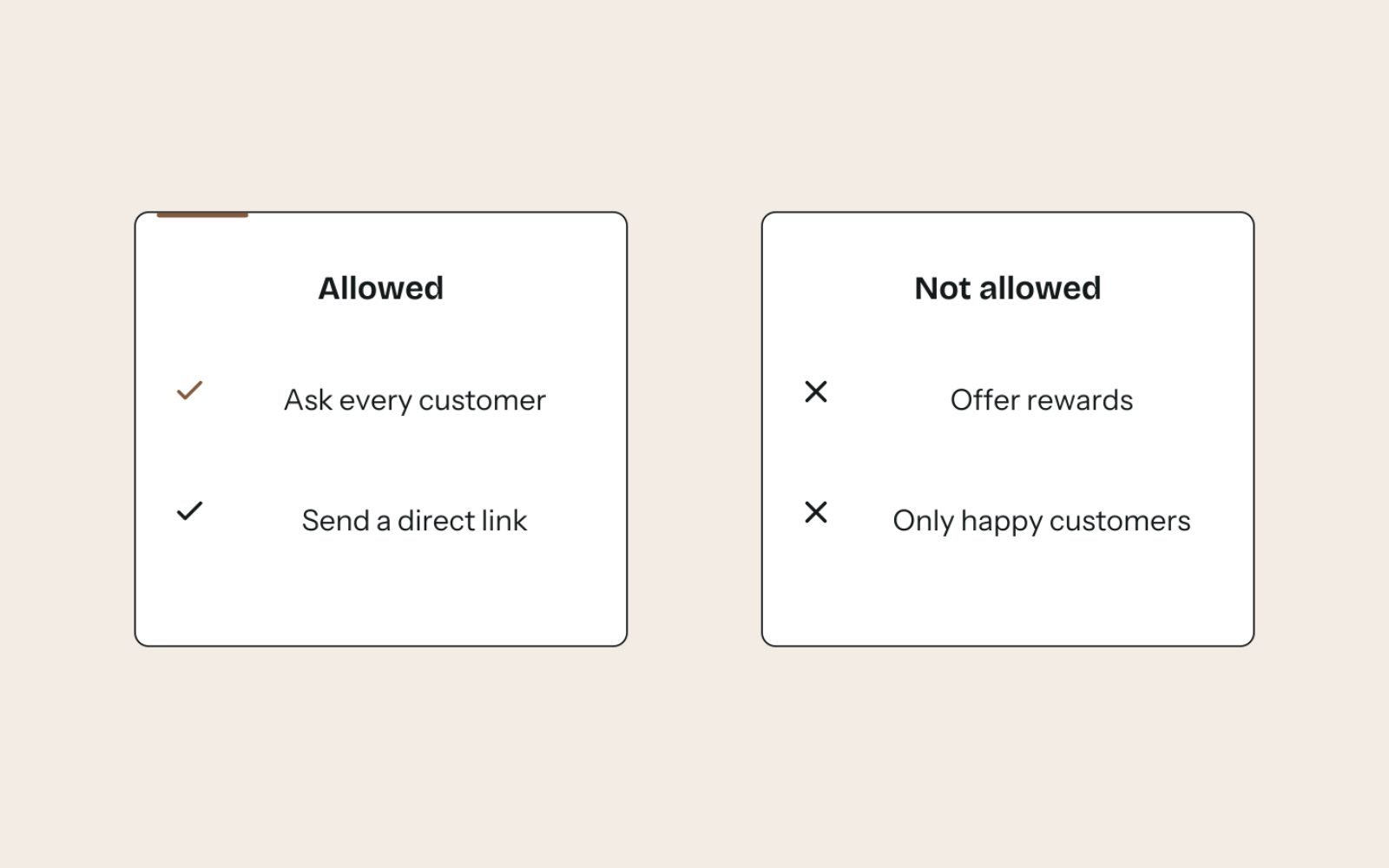
Google’s prohibited and restricted content policy treats these as fake engagement:
- Offering incentives, such as payment, discounts or free goods and services, for posting a review or for changing or removing a negative one.
- Discouraging or prohibiting negative reviews, or selectively asking only for positive ones. This is what people call review gating.
- Requiring or pressuring customers to leave a review while they’re on your premises.
- Reviews with a conflict of interest, such as reviews from current or former employees, and asking staff to solicit reviews with specific content.
The consequences go beyond losing the review. Google’s page on Business Profile restrictions for policy violations says it may stop a profile receiving new reviews for a set period, unpublish existing reviews for a period, or show customers a warning that fake reviews were removed.
Consumer law
Consumer law applies too, and it varies by country. In Australia, the ACCC’s guidance on managing online reviews warns that suppressing or editing genuine negative reviews can mislead consumers, and that fake reviews, including those from staff or family without disclosure, can break the law.
Some laws allow things Google doesn’t, such as disclosed incentives offered regardless of sentiment. Google’s policy is stricter, so I follow Google’s rules for Google reviews and check local law for everything else.
| Practice | Allowed on Google? | Safer alternative |
|---|---|---|
| Asking every customer for an honest review | Yes | This is the whole process |
| Discount or prize draw entry for a review | No | Ask without any reward |
| Survey first, then only sending 4 and 5 star customers to Google | No | Send everyone the same review link |
| Staff reviewing the business | No | Staff ask customers instead |
| A QR code on the counter | Yes | Pair it with a verbal ask, without pressure |
| Handing customers a tablet to review on the spot | Risky | Send the link so they can review in their own time |
| Asking a reviewer to remove a negative review in exchange for a refund | No | Resolve the issue, and let them decide whether to update it |
When to ask: pick the moment for your business
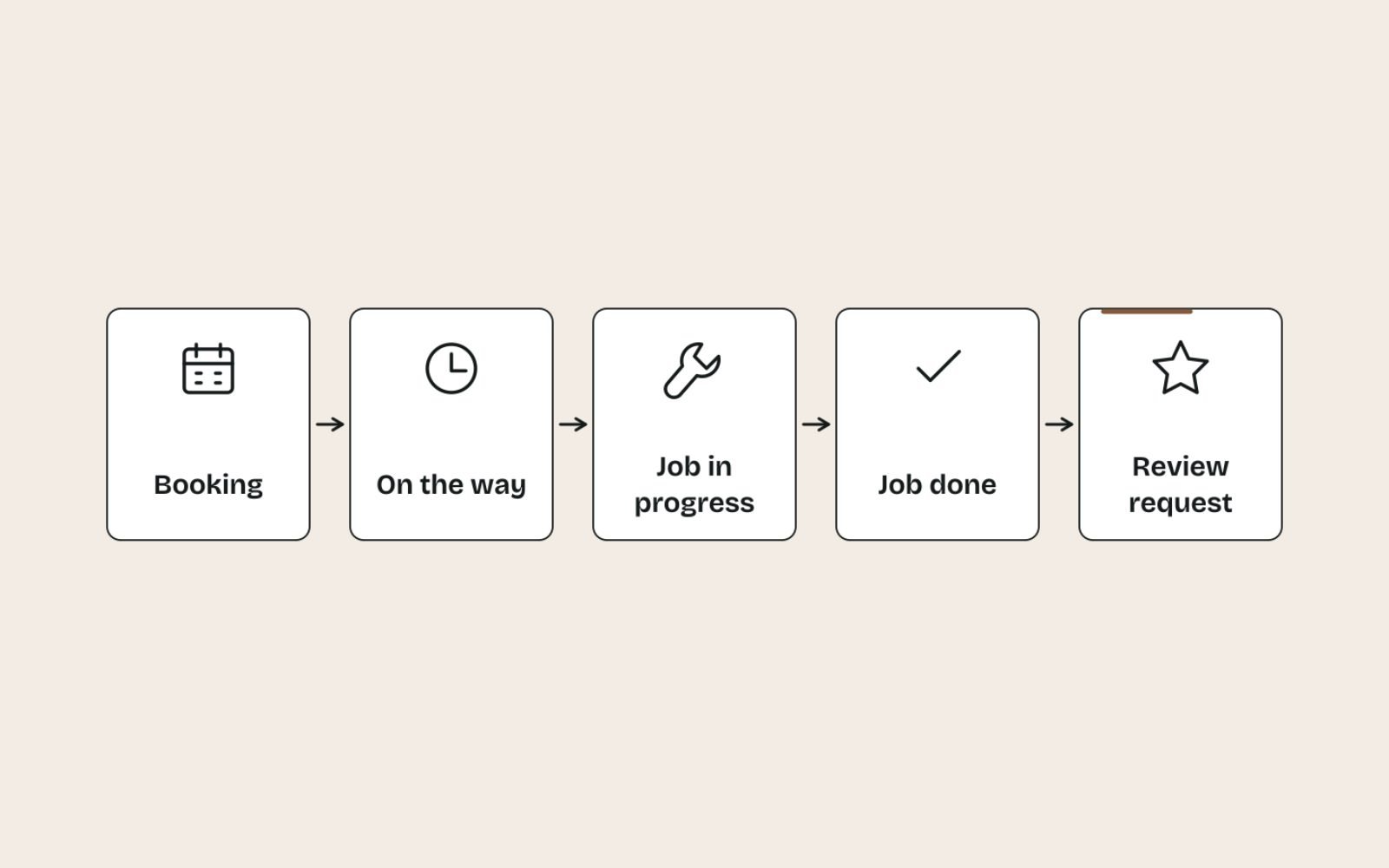
The best time to ask is right after the customer gets the value they came for, while the experience is fresh. Pick one trigger and use it every time, because consistency is what produces a steady flow.
| Business type | Trigger moment | Best channel |
|---|---|---|
| Café or retail shop | At the counter after purchase | QR code on the counter or receipt, plus a verbal ask |
| Trades and home services | When the job is signed off | Text message the same day |
| Repairs and servicing | When the item is collected | Text or email with the invoice |
| Clinics and salons | After the appointment | Text or email that evening |
| Professional services | When the matter or project closes | Personal email from the person who did the work |
Professional services need extra care with confidentiality. I cover the specific rules for lawyers in setting up Google Business Profile for law firms.
How to ask: the link, the channel and the words
A good request is short, personal and one tap away from the review form. Anything that adds steps loses people.
Get your review link or QR code
Google explains how to create a link or QR code to request reviews, and the steps are quick:
- On a computer, go to business.google.com and open your Business Profile.
- Select Read reviews, then Get more reviews.
- Copy the link, or right-click the QR code and save the image.
QR codes can only be generated in a computer browser, not on mobile. Save both in a shared document so everyone uses the same link.
Request templates you can copy
Personalise each one with the customer’s name and the person who served them. These are written in the business’s voice:
TEXT MESSAGE (trades, repairs, clinics)
Hi Priya, thanks for choosing Brightline today. If you have a minute,
we'd love your honest feedback on Google: [review link]. Thanks, Marco
EMAIL (professional services, larger jobs)
Subject: How did we do, Priya?
Hi Priya,
Thanks again for trusting us with your kitchen rewire. If you have a
couple of minutes, would you share your experience on Google? Honest
feedback, good or bad, helps us improve and helps other people decide.
[review link]
Thanks,
Marco, Brightline ElectricalIN PERSON (shops and cafés)
"Thanks for coming in. If you get a chance, we'd really appreciate an
honest Google review. The QR code is on your receipt."Notice what’s missing: no “if you were happy”, no rating scale, no reward. Those small phrases are where requests drift into gating or incentives.
Reminders
One reminder after three to five days is reasonable if the first message went unanswered. After that, stop, because repeated chasing feels like pressure and annoys good customers.
Build it into the routine so it actually happens
Review requests stop going out when nobody owns them. Make the request part of an existing step, so it happens without anyone remembering.
- Assign an owner. One person is responsible for requests going out and replies being written.
- Attach it to a trigger. Add the request to the job completion checklist, the invoice email template or the point-of-sale receipt.
- Automate where you can. Many booking, CRM and invoicing tools can send a message when a job is marked complete. Check any review tool’s settings and switch off features that filter customers by rating before sending them to Google.
- Log requests. Even a simple spreadsheet with date, customer and channel lets you measure the review rate.
- Check weekly. Spend ten minutes each week confirming requests went out and every new review has a reply.
If you’re setting up local SEO from scratch, this routine slots into week 4 of a 30-day local SEO plan, once the profile and website are in order.
How to reply to every review
Replies are read by the reviewer, by future customers and by anyone comparing you with competitors. Write them for that wider audience.
Speed and personality matter. In the BrightLocal survey, 81% of consumers expected a reply within a week, and 50% said generic or templated replies put them off. Use the frameworks below as starting points, not as copy-paste text.
Positive reviews
Thank them by name, mention something specific they said and keep it short. Don’t turn the reply into an advert.
Thanks Priya! Glad the new switchboard has stopped the tripping, and
that Sam left the place tidy. Give us a call if anything else comes up. Marco
Mixed reviews
Thank them for the good, own the issue and say what you’re doing about it.
Thanks for the feedback, Tom. You're right that we arrived later than
the window we gave you, and I'm sorry for the wait. We've changed how we
confirm arrival times so customers get a text if we're running late. Marco
Negative reviews
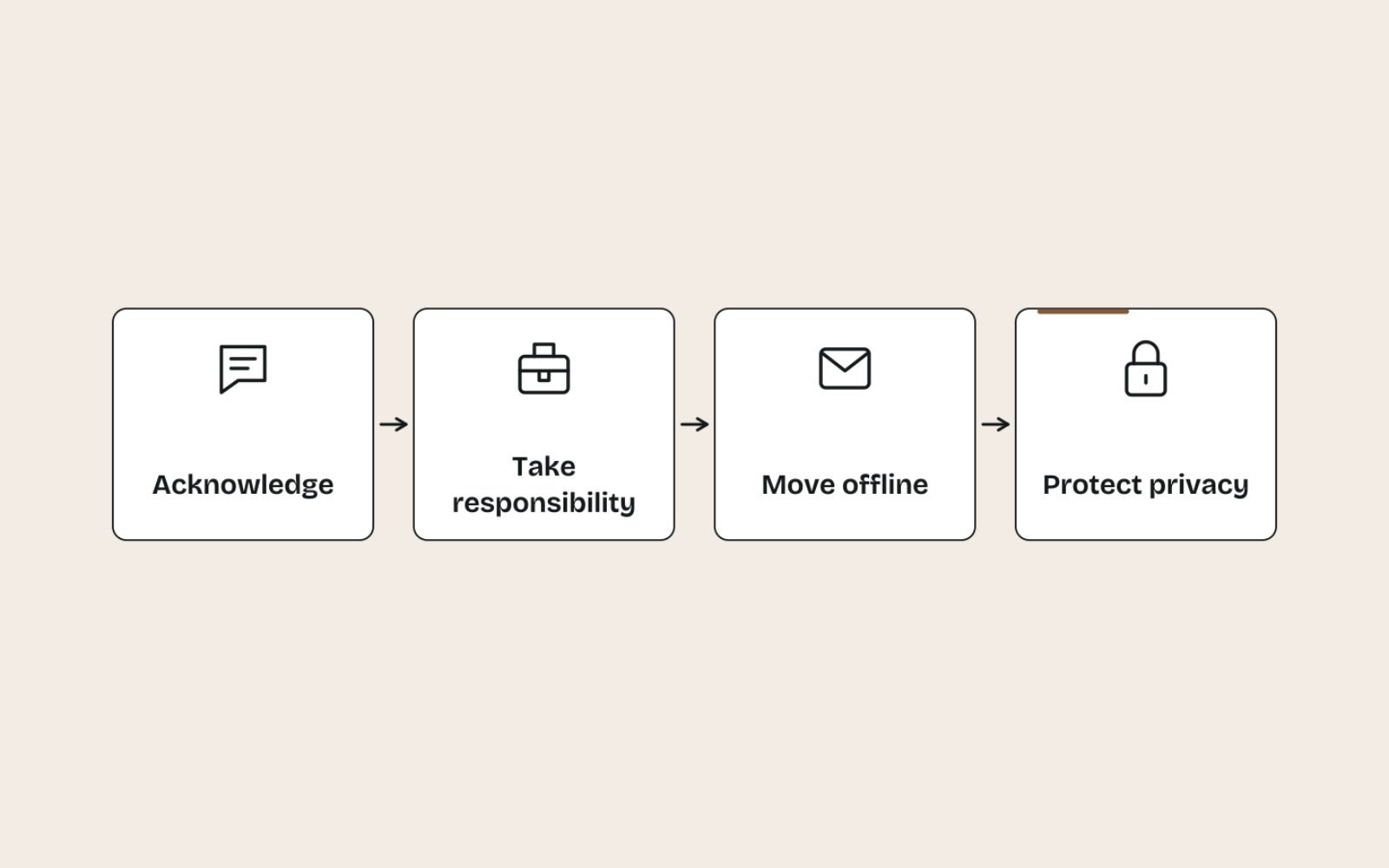
Negative reviews are where replies matter most, because future customers judge how you handle problems. I use a four-part structure:
- Acknowledge: thank them and recognise the frustration, without arguing.
- Own what’s yours: apologise for anything that was genuinely your mistake.
- Move it offline: give a name and a direct way to reach you.
- Protect privacy: never share the customer’s personal details, invoices or job history in public.
Here’s a reply that makes things worse, and a better version:
- Before: “This is completely untrue. You cancelled twice and still haven’t paid your invoice from March. We won’t be taking your bookings again.”
- After: “I’m sorry this visit didn’t go the way you expected, Dan. I’d like to understand what happened and put it right. Please call me directly on [phone]. Marco, owner”
Write the reply, then wait an hour before posting if you’re annoyed. A calm reply reads far better to the next customer than a winning argument.
Fake or policy-breaking reviews
Google won’t remove a review just because it’s negative. You can report a review that breaks Google’s policies from your profile: select Read reviews, then Report next to the review, choose a reason and send.
Reports take several days to assess. If Google finds no violation, the Reviews Management Tool offers a one-time appeal, so include clear evidence such as the fact that the person was never a customer.
While you wait, a short, neutral reply protects you: “I can’t find any record of this visit. Please contact me on [phone] so I can look into it.”
Use reviews on your website, within the rules
Reviews work hard on your own pages too, especially on service and location pages. Quote short extracts with the reviewer’s permission, keep them accurate and link to your profile so visitors can see the full set.
Reviews from customers in a particular area make strong proof on local landing pages, so record the customer’s suburb when you log each request.
Be careful with structured data. Google’s review snippet guidelines say pages using LocalBusiness or Organization markup aren’t eligible for star ratings when the business controls the reviews about itself, so don’t add review markup for your own business.
Measure whether the process works
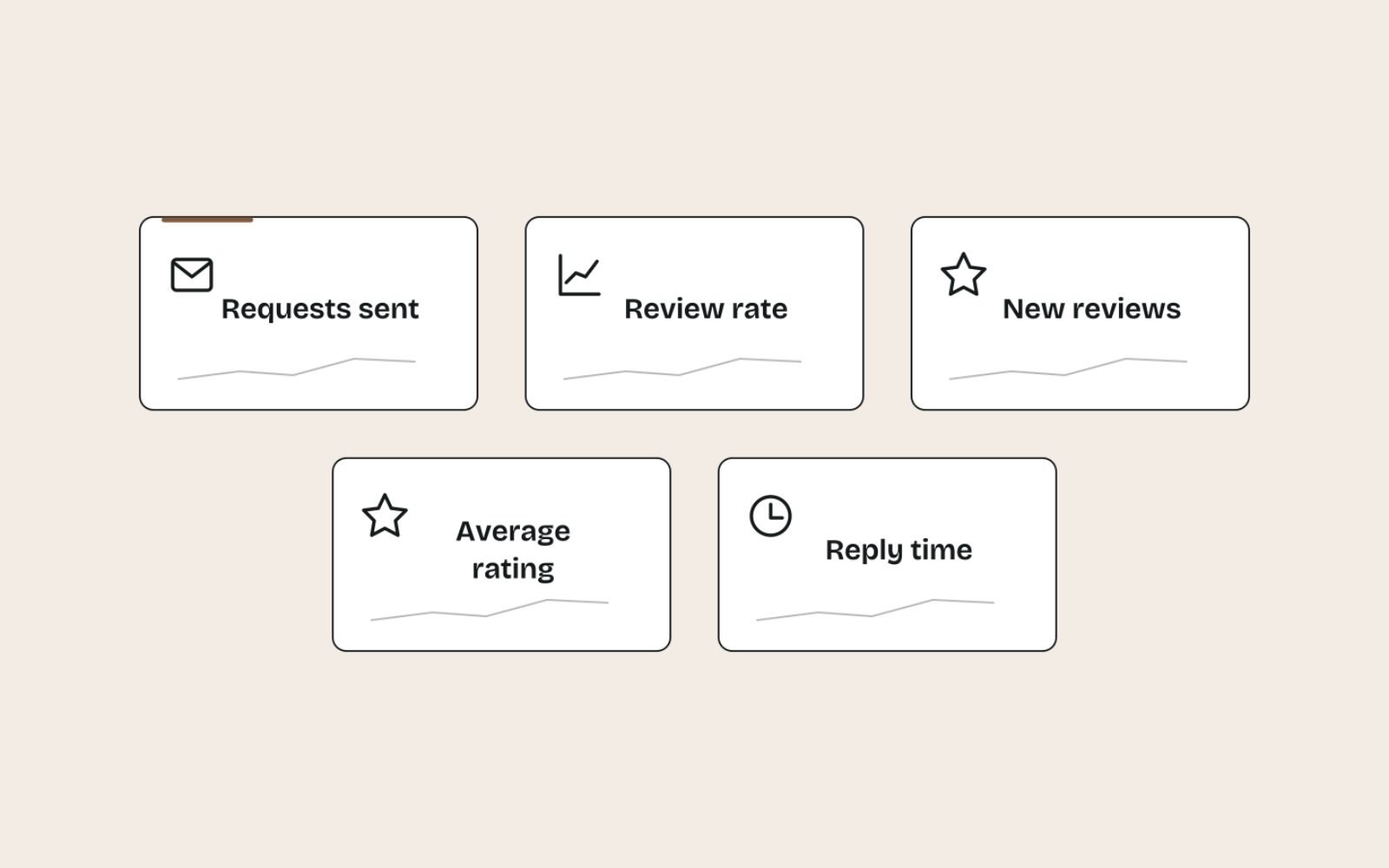
Track a few numbers monthly. They show whether requests are going out, whether customers respond and whether replies keep pace.
| Metric | How to calculate it | What it tells you |
|---|---|---|
| Requests sent | Count from your log or automation tool | Whether the routine is running |
| Review rate | New reviews divided by requests sent | Whether your timing and wording work |
| New reviews per month | Count on your Business Profile | Whether your reviews stay recent |
| Average rating of new reviews | Average of this month’s reviews only | Service quality now, not years ago |
| Reply time | Days from review to reply | Whether replies keep pace with reviews |
If the review rate is low, test the timing first, then the wording. If ratings dip, treat it as service feedback before it’s a marketing problem.
Alongside these, watch calls, website clicks and direction requests in your Business Profile Performance report. Over a few months, a steady review flow should support those numbers, although many other factors affect them too.
The bottom line
Ask every customer, at the same moment, with a direct link, and reply to every review within a week. That’s the whole process, and it stays within the rules.
Each business has its own natural moment to ask and its own tools, so build the routine around how you already work.
Review reply drafts are included in the Growth and Scale monthly Local SEO plans. If you’d like help setting up the routine itself, get in touch and tell me how your business works today.
FAQs
1. Is it against Google’s rules to ask customers for reviews?
No. Google encourages businesses to ask customers for reviews and provides a link and QR code for it. What’s banned is offering incentives, asking only happy customers and pressuring people to review on the spot.
2. What is review gating?
Review gating is screening customers first, usually with a quick survey, and only sending the happy ones to Google. Google’s policies prohibit selectively soliciting positive reviews, so send every customer the same link.
3. Can I offer a discount for a Google review?
No. Google prohibits incentives such as payments, discounts or free goods and services in exchange for reviews, even if the reviewer can say anything they like. Violations can lead to reviews being removed and restrictions on your profile.
4. How do I get a bad Google review removed?
Only reviews that break Google’s policies can be removed, such as fake, off-topic or abusive ones. Report them from your profile and appeal once if needed. For genuine negative reviews, a calm, helpful reply is your best response.
5. Should I reply to every Google review?
Yes. Replies show future customers that you’re attentive, and most consumers expect them. Keep each reply short and specific, and take complaints offline.
6. How quickly should I respond to reviews?
Aim for within a few days and always within a week. In BrightLocal’s 2026 survey, 81% of consumers expected a reply within a week.
7. How many Google reviews does a local business need?
There’s no magic number. A steady flow of recent, genuine reviews matters more than a big total, because most consumers look for reviews from the last few months.